
What people hear today should still matter next week.

Deepen helps churches, educators and event organisers turn a live session into something people can follow, capture and come back to.
Before, during and after every gathering — one place to follow along, take notes and return to what mattered.

Whether you lead a church, teach a classroom or present at a conference, we will walk you through Deepen in 30 minutes with an obligation free demo.

How it works

Step 1

Your team prepares

Design or upload the slides in Deepen Studio or ProPresenter, schedule the session, and present.
Step 2

People follow along

In the room or online, audiences see the slides, take private notes and respond. Without another login.
Step 3

The session lives on

Notes, slides and live streams remain in the app. Everything is still there next week.

Stay with the content, not just the moment

Most sessions are heard once. Deepen keeps the thread going.

Every slide, right there

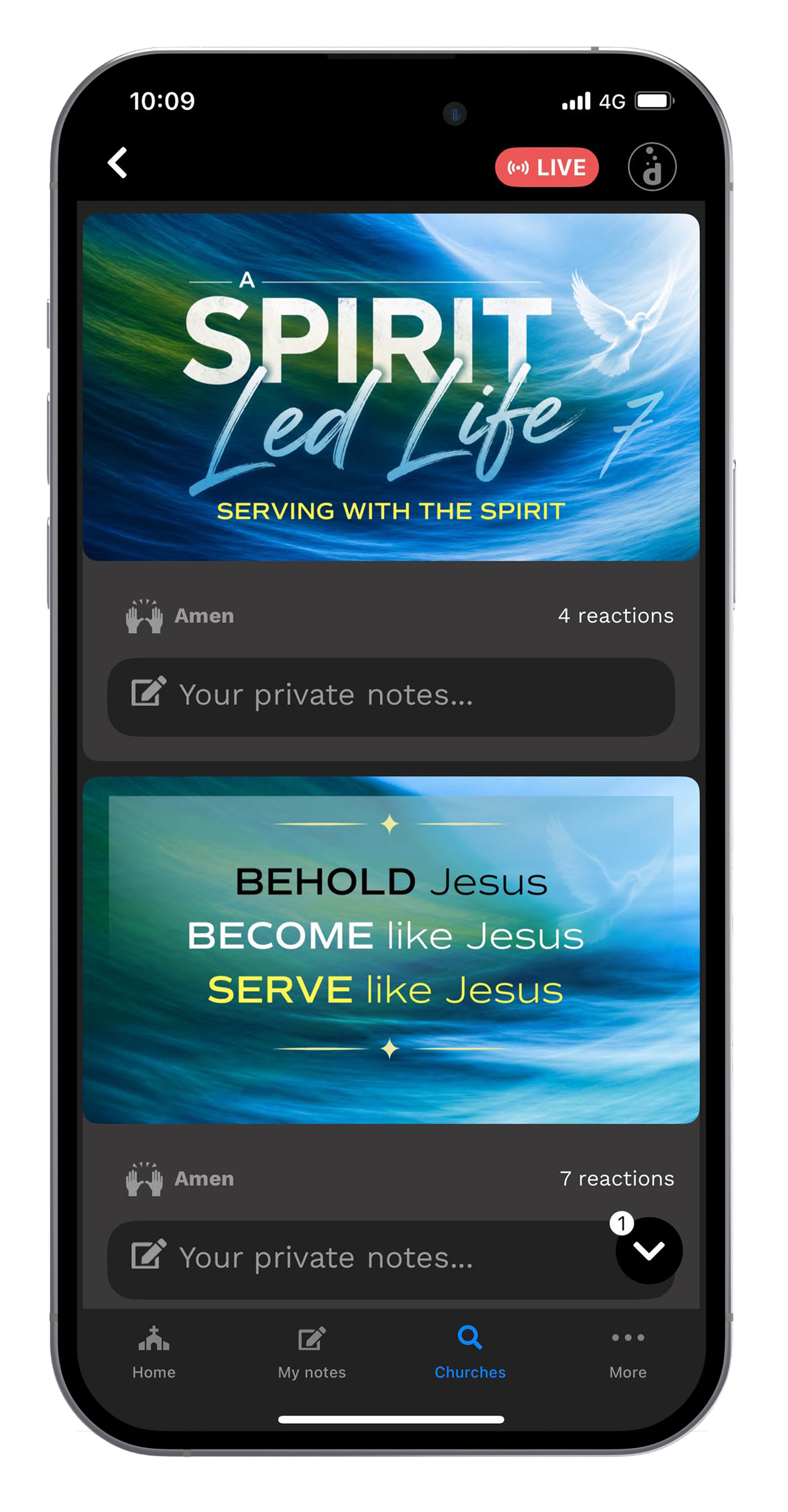
Slides appear on everyone’s phone as the speaker presents, so people can stay focused on the conversation. Flip back to any slide without taking a photo, and when the session ends, the deck stays in the app. No PDF follow-up needed.

Capture what matters

Add private notes directly to any slide. No extra app. No lost scraps of paper. Tap a response on any slide. Churches get Amen. Other rooms can use a simple reaction. See which points resonated live on screen and later in your stats.

Take it with you

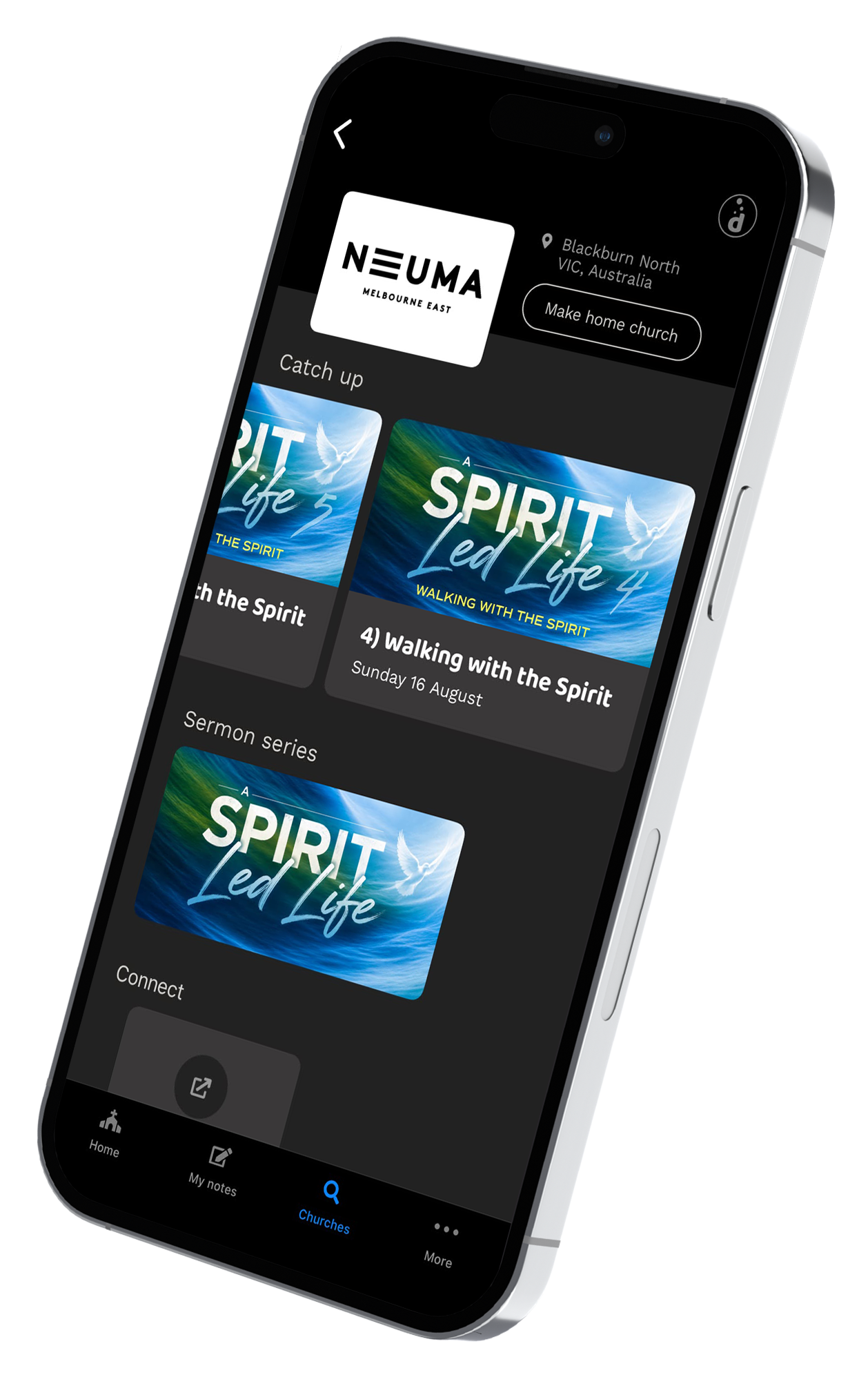
Find the session and start. Anonymously. No tracking. Notes stay private. MyNotes gathers everything, so people can come back to the session anytime afterwards. Pick up where you left off, whenever you need it.

Hearing it once is not the same as keeping it.

The app people actually open

Free for everyone in the room. Live slides, private notes, and the session is still there next week. Available for Apple and Android.

Slide-Sync:  Live slides that keep time with the speaker
Watch the live stream and the slides together
Take private notes on any slide
Add a reaction to any slide
Zoom in on slides, rotate for landscape
Frictionless entry: no login required, anonymous use
Send a private response to the  team
Set 'MyHome' organisation
Browse previous sessions and series
'MyNotes': all my reflections in one place

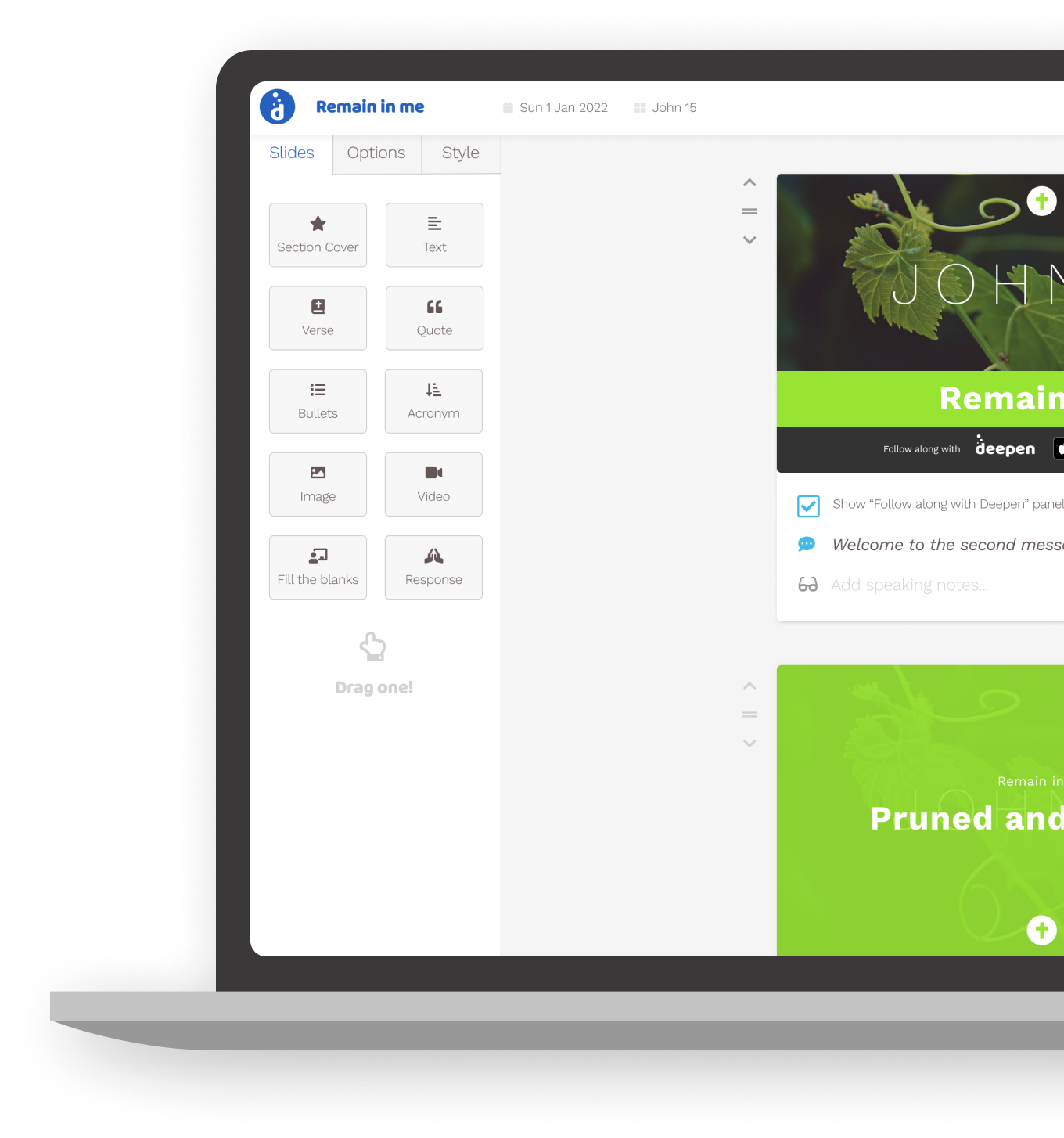
Deepen Studio — for the team behind the session

This is the back office. Your audiences never see it. You prepare, schedule and present; the app is what they open.
Import from PowerPoint, Keynote, Google Slides or ProPresenter
Schedule and publish  to Deepen App
Brand the deck with your colours and logo
Anonymous stats: who followed along, what they reacted to
Schedule repeating presentations (e.g. church services)
Drag and drop built-in slide builder
Youtube Livestream integration
Present to the projector; the app stays in sync
Group sessions into a series
Export slides for PowerPoint or ProPresenter
Screenshot of the sermon builder in the Deepen web app

About

Connect

Follow us on FacebookFollow us on InstagramFollow us on LinkedIn